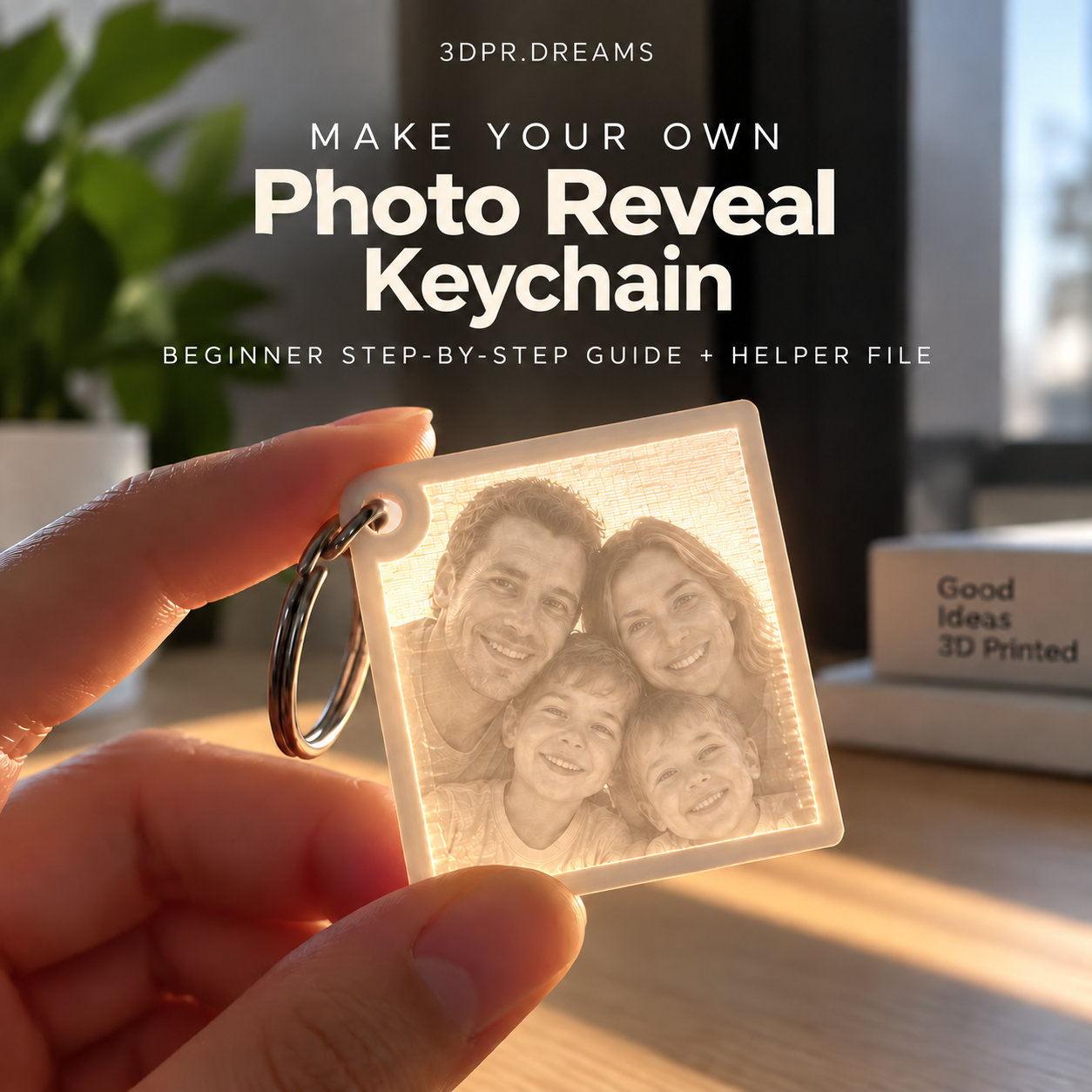
Digital guide · Instant downloadMake Your Own
Make Your Own
Photo Reveal
Keychain
Turn a favourite photo into a light-revealing keychain, one clear step at a time.
RM32 Digital guide + tested 3MF helper
Get the guide →For people who already have a 3D printer. Created by Mum for 3DPR.DREAMS.
The guide
From a photo you love to a keepsake you can hold up to the light.
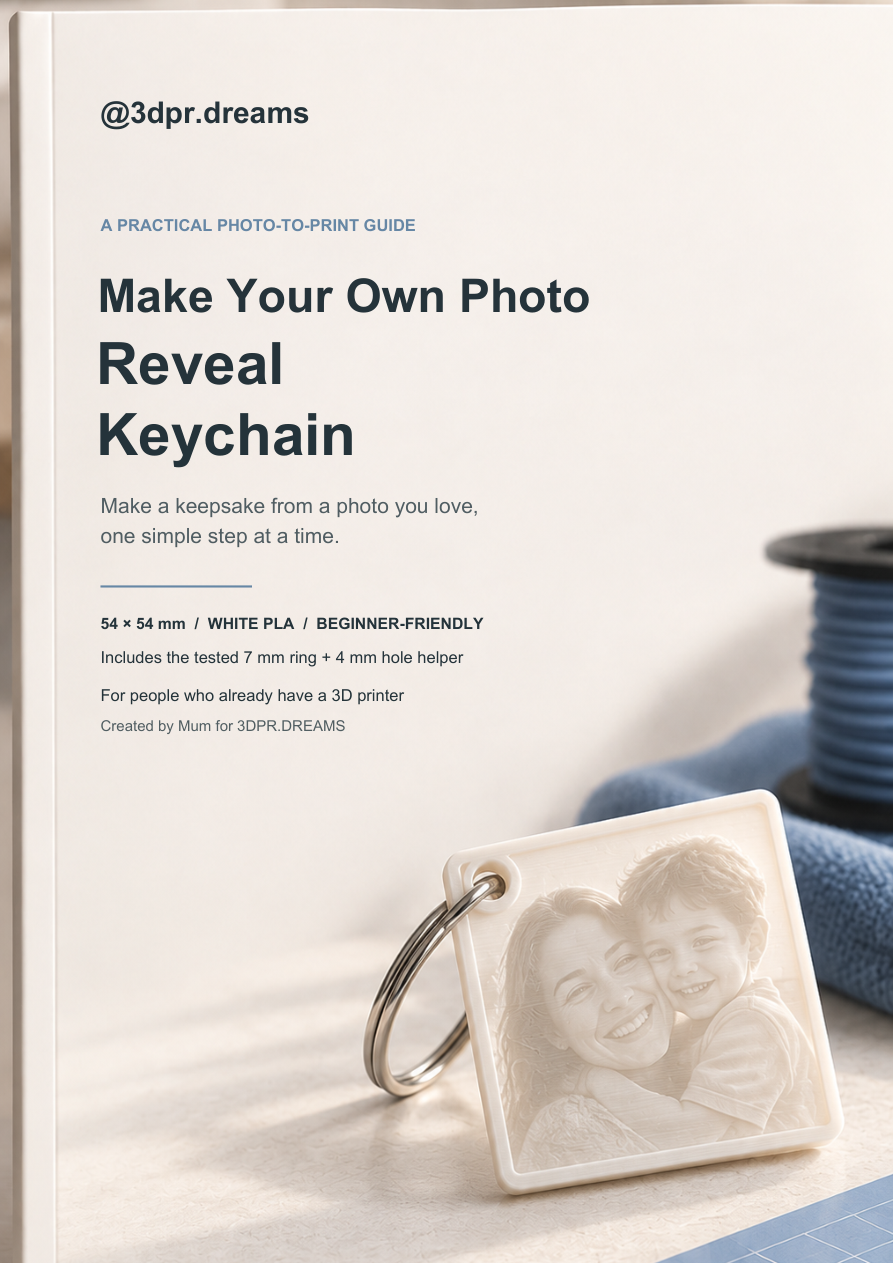
This beginner-friendly, practical guide covers a square white-PLA Photo Reveal Keychain from photo upload through to print preview.
Inside the download
Everything you need to follow the method.
📘8-page step-by-step guideClear instructions and annotated screenshots from photo upload through to print preview.
🧩Tested 3MF helperA 7 mm printable ring with a centred 4 mm negative cutter for the keychain corner.
📐54 × 54 mm finished sizePractical dimensions and placement instructions for the square keychain.
☀️First-print checksWhat to look for in Preview before you print, so the hole stays open and the brim supports the base.
What you need
Already have a printer? You are ready to begin.
- A clear, reasonably bright photo
- A computer with Bambu Studio and access to MakerLab
- A 3D printer with a 0.4 mm nozzle
- White PLA, a metal split keyring and a light source
Good to know
This guide is for making your own.
It is not a physical keychain order or a full-colour photo print. Most compatible printers can make this simple one-colour print if you can set them up with a compatible slicer.
Ready when you are
Get the guide for RM32 →Make your own Photo Reveal Keychain.
RM32 · Instant digital download through Payhip.