8-page visual guide
Clear step-by-step instructions and annotated screenshots from photo upload through to print preview.
Turn any photo into this.
RM32Instant digital download · Tested 3MF helper included
Get the guide →It looks like a simple white keychain until you hold it towards a bright light. Then the photo appears.
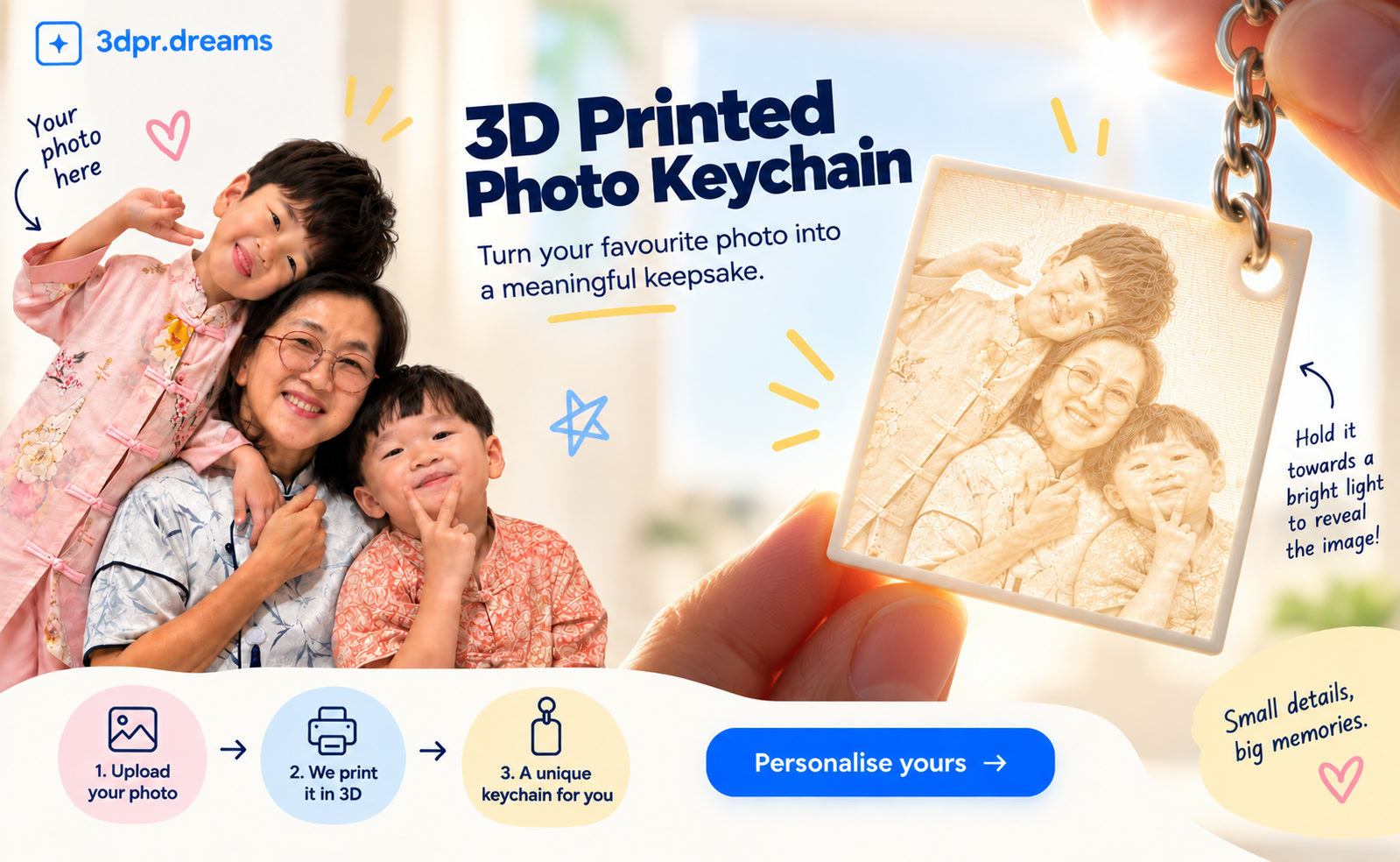
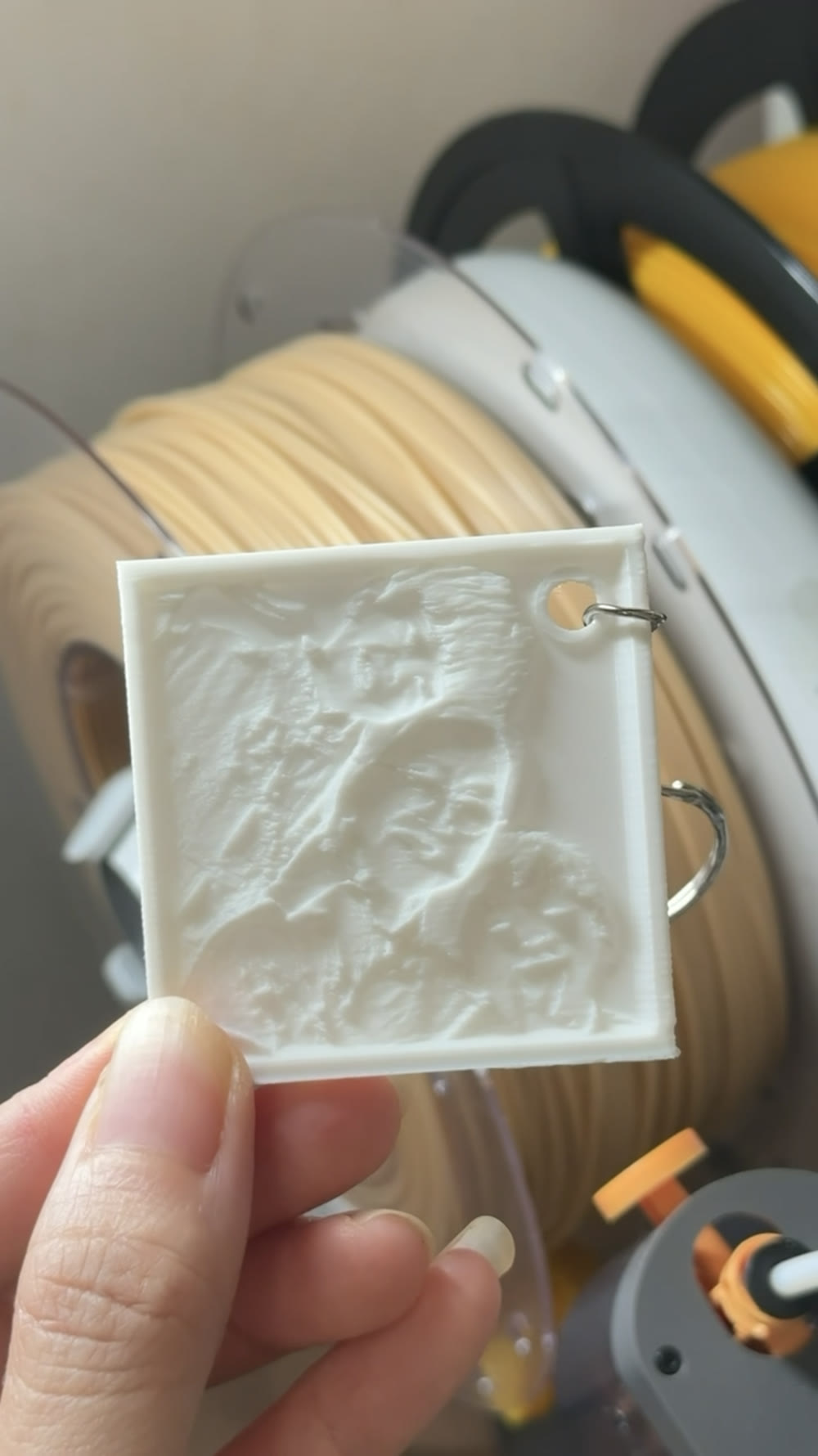
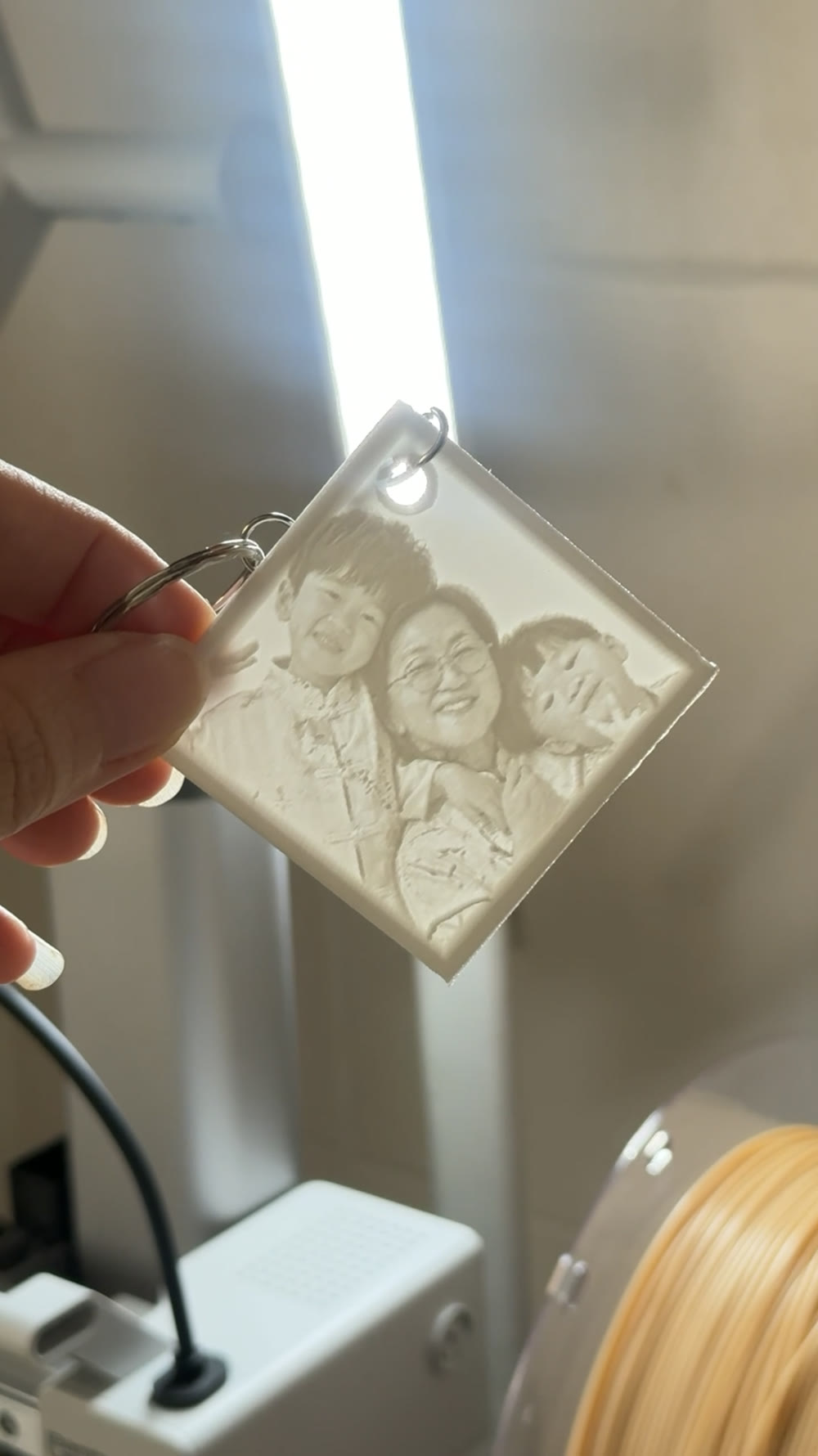
The information is out there, but turning it into a keychain that works takes a few connected steps. We tested this workflow so you can follow it, use your own photo and make one without piecing together multiple tutorials.
Photo, model, size, keyring corner and print preview in the order you need them.
02A tested helperThe included 3MF helps create the keyring corner and hole position used in the guide.
Made for beginners who have access to a 3D printer and want a straightforward, tested starting point.
Clear step-by-step instructions and annotated screenshots from photo upload through to print preview.
How to choose your photo, create the square model and use the tested size and thickness settings from this workflow.
A printable 7 mm ring and centred 4 mm cutter for the keychain corner.
Corner placement, preview checks, white PLA and metal split-keyring assembly guidance.
This guide is for people who want to turn their own photos into Photo Reveal Keychains without figuring out the complete workflow from scratch.
Tested with Bambu Studio/MakerLab. The guide uses a white-PLA, square 54 × 54 mm keychain workflow.
Step-by-step guide + tested 3MF helper file
RM32 · Instant digital download
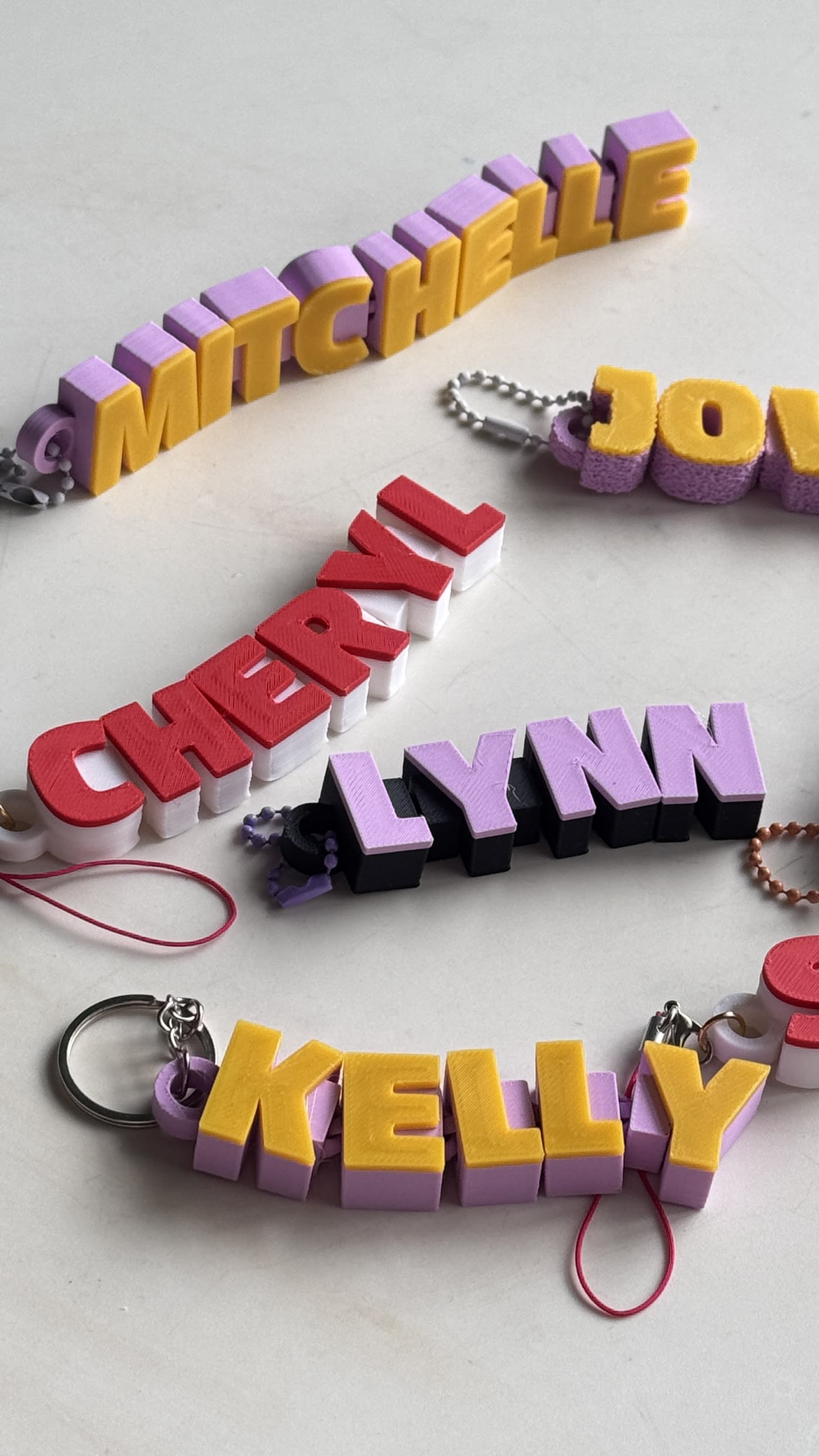
A personalised name keychain made by our little 3DPR.DREAMS business.
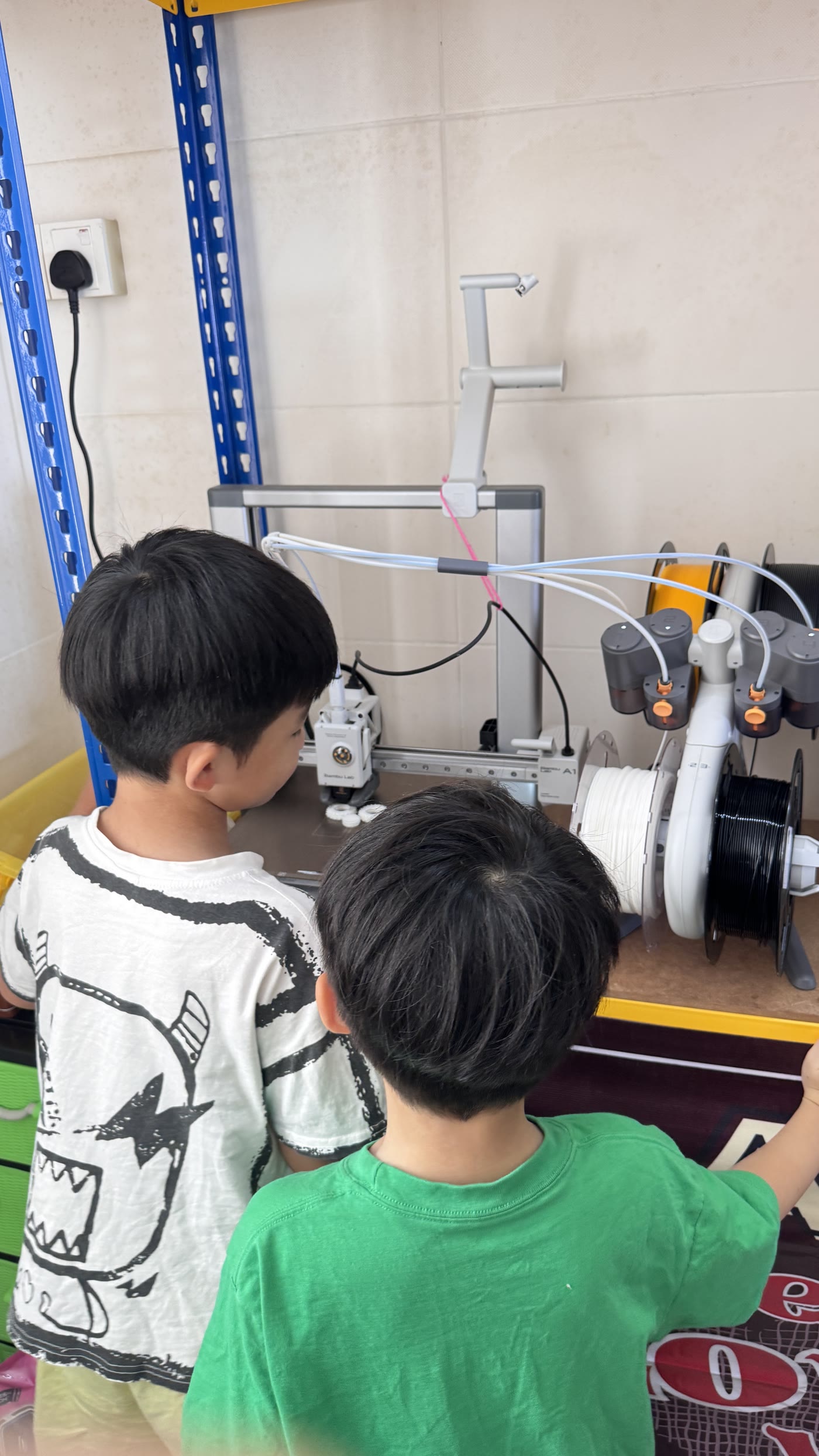
3DPR.DREAMS is a real kids-led business where two young makers learn how ideas become products, with Mum supervising the technical work, customer care, payments and privacy.
No. This is a digital download that teaches you how to make your own Photo Reveal Keychain.
You receive the 8-page step-by-step guide and a tested 3MF helper file for the keyring corner.
Yes. The guide starts with choosing and uploading your own clear, reasonably bright photo.
Yes. This guide is for people who already have access to a 3D printer, plus the materials listed above.
This guide was tested using Bambu Studio, a Bambu Lab A1 with a 0.4 mm nozzle, and white PLA. The guide includes the exact settings we used for this workflow.
Yes. Once you understand the workflow, you can repeat it with your own photos.
After payment, Payhip provides access to the digital download.